.jpg)
About Us
There are many ways to store or produce energy but when it comes to guaranteeing prime, standby or emergency electrical power, in terms of cost, flexibility and responsiveness, there’s no better option than a generator set from FG Wilson.
For over 50 years, FG Wilson generator sets have been trusted to provide essential power to a wide range of applications globally. From 6.8 to 2,500 kVA, FG Wilson offers one of the widest ranges of diesel-fuelled generator sets, built in modern facilities in Brazil, China and India.
Founded in Belfast, United Kingdom, in 1966, FG Wilson quickly grew to become the largest generator set manufacturer in Europe. Today’s range of FG Wilson generator sets builds on our long heritage. We do not simply assemble a generator set, we walk the extra mile to make sure that all our products are tested and validated in modern world-class facilities, in order to deliver the best performance and longevity to each one of our customers. We don't accept engine performance data without validating it ourselves in the environmental conditions which our products will endure. We can then safely say that, wherever our products are operating, they have been tested for that environment.
Over our long history, FG Wilson generator sets have been installed in more than 150 countries worldwide. You’ll find our generator sets installed in many of the world’s most iconic buildings, in hospitals, banks, airports, data centres, factories, construction sites, hotels, offices and telecommunications networks, quietly guaranteeing that they are never without electric power.
Our expertise is built on more than 660,000 generator sets installed globally since 1990 in a multitude of applications, in all environments and with a combined power output bigger than that of the entire UK mains electricity supply. Today, when you choose one of our products, you benefit from that hard-earned experience, extensive dealer network support and genuine spare parts availability.
Our designs may have adapted to this new century, but we are still bound to the philosophy of our founders.
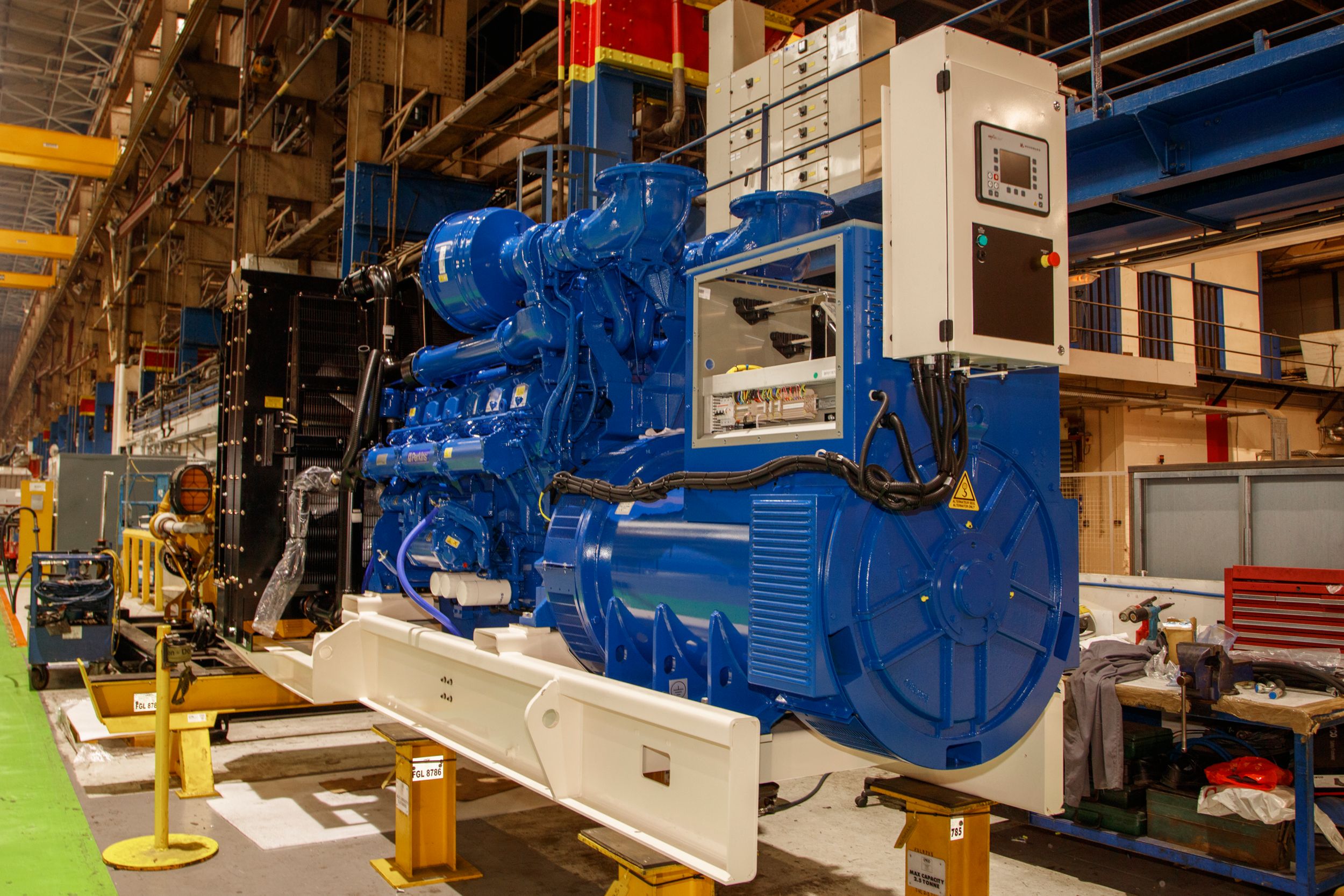
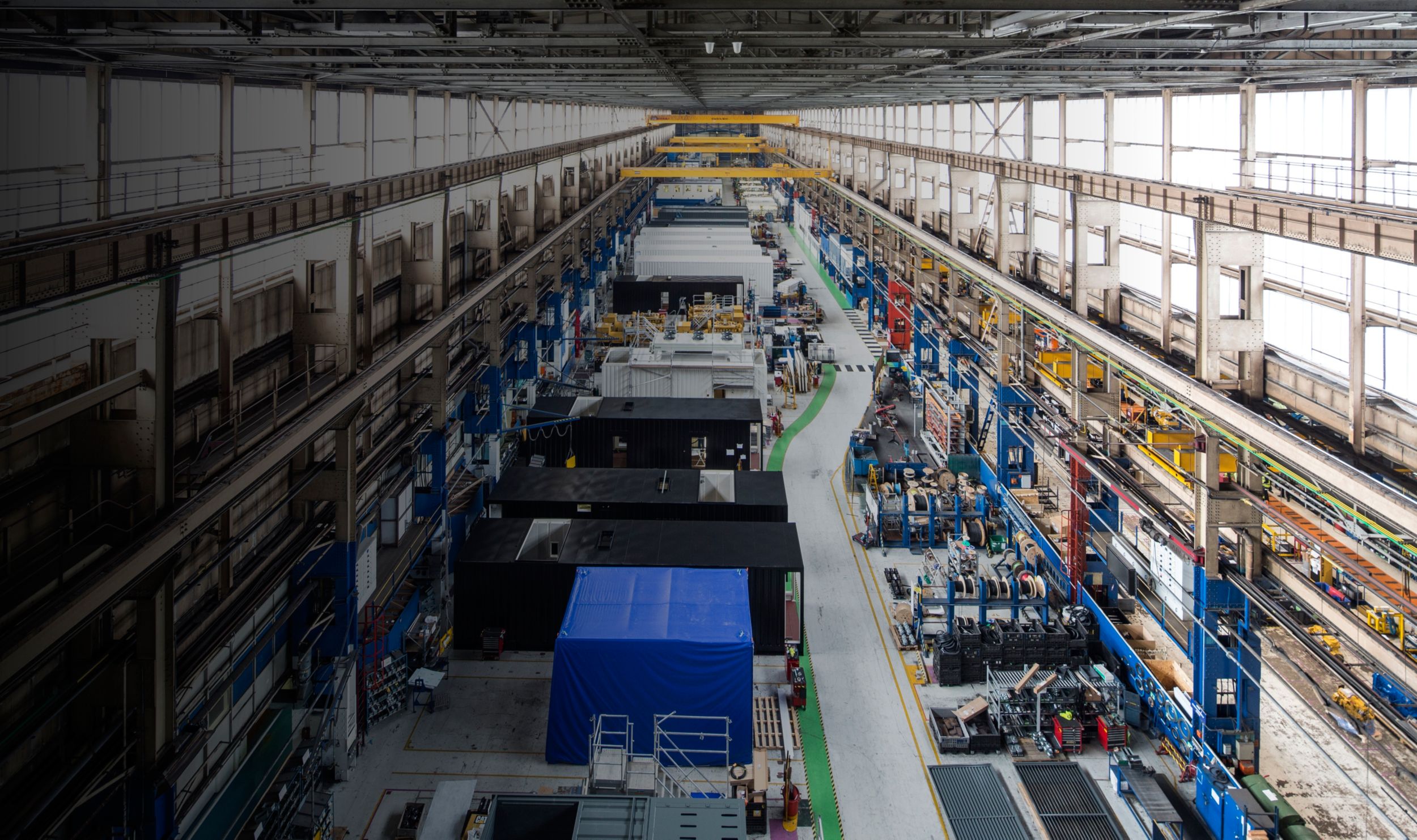
"Self-contained generator sets, which are easy to install and operate,
designed for a long and productive working life and which represent value for money"
"Self-contained generator sets, which are easy to install and operate,
designed for a long and productive working life and which represent value for money"
